
How to design AI automations that do not break when reality changes
Most of them work on the day you build them. This is about the other three hundred days.
David Daniel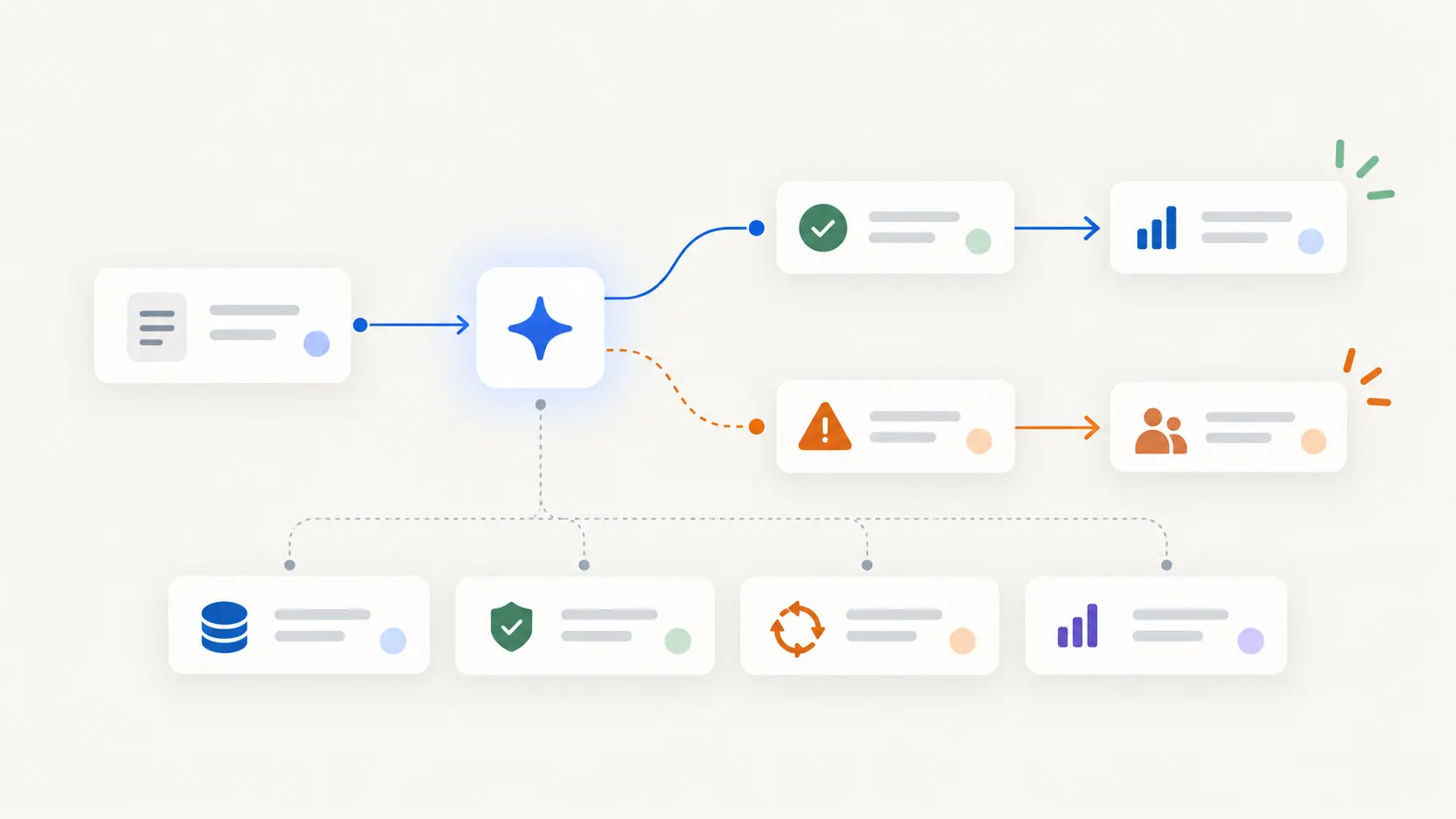
Almost every automation works when you build it. You built it against a real example, watched it run, and it did the thing.
What decides whether it is still working in six months is what happens the first time reality does not match that example. Someone replies to a thread three weeks late. The client changes their mind halfway through. Two runs fire at once. An input arrives in a format nobody anticipated.
Four things make the difference. Knowing what has already happened. Being able to tell when it is out of its depth. Having somewhere to send the things it cannot handle. And being visible enough that someone would notice it going wrong.
Everything below is those four.
A deeper walkthrough
Why it works on day one and not on day ninety
You build against the situation in front of you. That is not a mistake, it is the only way to build anything. It does mean your automation has quietly encoded a set of assumptions you never wrote down.
That the reply comes within a few days. That there is one of them, not seven. That the person is who they appear to be. That nobody has already handled it.
None of those are wrong. They are just not always true, and the automation has no way of knowing which ones it is relying on. So it does not fail at the edges. It proceeds confidently past them.
It has to know what already happened
The single most common cause of automation embarrassment is the same thing happening twice.
The follow-up that goes out after the client already replied. The reminder that arrives after it was dealt with. The record created twice because two triggers fired.
All of that is one missing thing: the automation does not know what has already happened in this particular case. It sees a trigger, not a situation with a history.
What fixes it is giving each case a state. Not a status column for a human to read, an actual answer to "where is this one up to" that the automation checks before doing anything.
Then the question before each step is not "was I triggered" but "given where this is, is this still the right move." Which is the question a person would ask without being told to.
It has to know when it is out of its depth
Reliability is less about being right and more about knowing when you are probably not.
A workflow that is confident all the time is a workflow that will be confidently wrong sooner or later. The one you want can recognise a handful of situations:
Information is missing. Something needed is absent. Stop rather than guess.
This does not look like the others. Not necessarily wrong. Different enough to be worth a look.
The signals disagree. Two sources say different things. That is not a tie to break silently.
The stakes just went up. Same process, bigger number, or a client name that changes the calculus.
Each of those should change the behaviour, not just get logged. Usually to: stop and ask.
Exceptions need somewhere to go
Every automation will hit things it cannot handle. That is fine and expected. What is not fine is having nowhere for them to land.
The failure pattern is familiar. Exceptions accumulate in a place nobody watches. Two weeks later somebody discovers forty stuck items, several of which are now genuine problems.
An exception path that works has three properties. It reaches a person rather than a queue. It arrives with enough context to act on rather than requiring an investigation. And the resolution goes back into the process, so the case continues instead of being manually finished off outside the system.
That third one is what separates a real path from a dead-letter folder.
You have to be able to see it
If the only way to tell whether an automation is working is to check the output by hand, you have not automated the work. You have moved it.
What you want is to know three things without going and looking. How many went through. How many needed a human. And whether that second number is going up.
The trend is the important one. The absolute numbers tell you it is running. The trend tells you whether it is still right. A workflow going from five percent escalation to twenty percent has not broken, but something underneath it has changed, and you want to know before the twenty becomes fifty.
Automate to the edge of the irreversible
This is the most durable design pattern available.
Do everything up to the point where something cannot be taken back, then stop and hand over. Draft the message. Prepare the record. Assemble the change. Leave the last step to a person.
This is durable because it is forgiving. A wrong draft costs someone ten seconds. A wrong send costs a relationship. You get the great majority of the value, since preparation is the expensive part, and you keep the failure cost near zero.
It also degrades well. When the automation starts getting things wrong, you find out by seeing bad drafts rather than by hearing from a client.
Things change underneath it
Your automation depends on things you do not control. An inbox layout. A field name. A tool's API. A person's role. A price.
Those change without telling you, and the usual result is not a crash. It is silence. The trigger stops firing because the label was renamed. Nothing errors. Nothing runs. Nobody notices for a month.
Two habits help. Watch for absence as well as for errors: an automation that normally runs forty times a week and ran zero is a signal, and almost nothing is set up to notice that. And write down what each one depends on, so that when you rename something you have a chance of knowing what you just broke.
Design for the person who inherits it
Every automation is eventually maintained by somebody who did not build it, including you in eight months with no memory of why.
Three things make that survivable. Say what it is for in a sentence, in plain language, where someone will find it. Record what it assumes, especially the things that were obviously true when you built it. And make it clear where to look when it misbehaves.
None of that takes long, and it is the difference between a system you can change and one nobody wants to touch.
Why EverydayOS works this way
Look at the four things that make an automation durable: knowing what already happened, recognising when it is out of its depth, having a real escalation path, and being visible enough to notice drift.
Three of those are not properties of the automation. They are properties of what it is running inside.
State lives above the workflow, because the same case often touches several. Escalation needs somewhere that holds attention rather than another notification. Visibility across a dozen automations has to be in one place or it is not visibility.
In EverydayOS those things belong to the operating layer rather than being rebuilt inside each workflow. Automations draw on the same record of what happened, escalate through the same path, and are governed by the same rules about what may act without asking.
What that changes is the ceiling. Automations built in isolation get harder to trust as you add them, because each one is its own small world with its own blind spots. Built on shared context, they get easier, because everything new inherits what the system already knows.
Your action plan
- Take one automation you already have. Preferably one you have stopped fully trusting.
- Ask what it assumes. Timing, volume, format, that nobody else has touched it.
- Find where it could proceed on a false premise. That is your first fix, not the error handling.
- Give it a state to check. Where is this case up to, before acting.
- Give exceptions a person. With enough context to act without investigating.
- Watch for silence. Ran-zero is a failure that almost nothing is set up to catch.
If you want the wider picture of what automation is good for and where it fails, read The complete guide to AI automation.
Put AI to work around what matters most
Join early access to EverydayOS and help shape an AI operating system that can coordinate the essential things across your work and everyday life, without making you manage another pile of disconnected AI tools.
Join Early Access