
The complete guide to AI automation: what it is good for, how it works, and where it fails
What changes when automation can interpret rather than only follow, and the four ways it still breaks
David Daniel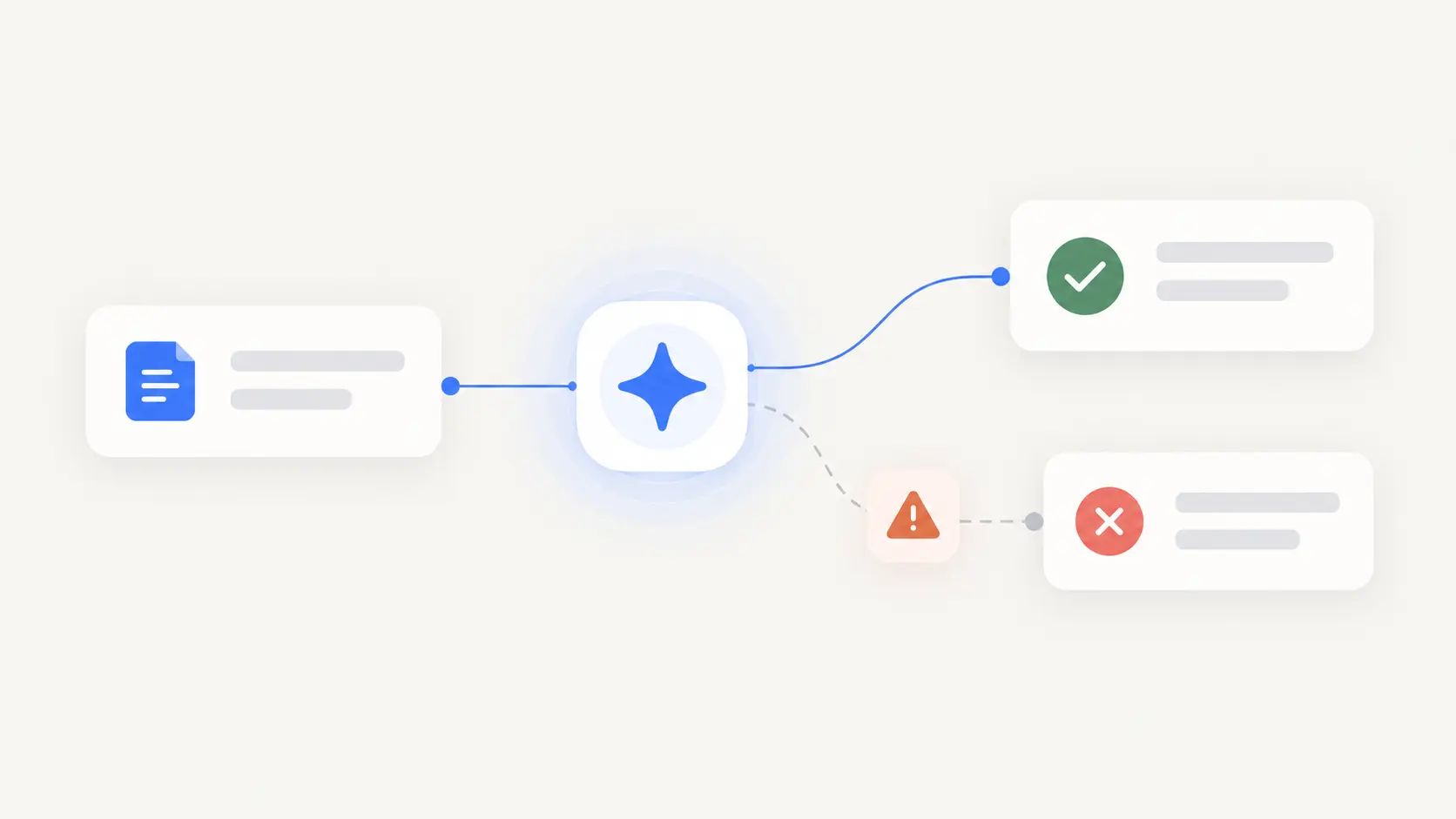
Automation has always had the same ceiling: you had to describe the path in advance. Anything you could not write down as a rule stayed manual, which ruled out most of the work people actually wanted off their plate, because most real work has judgment in the middle of it.
AI removes that ceiling. A step can now read a message and decide what it is about, or look at an invoice and tell you what is unusual about it. Work that was never automatable because you could not specify it now is.
That is a genuine shift and it comes with a bill. A rule-based automation fails loudly and in the same place every time. One with judgment in it fails quietly, differently each time, and usually while telling you it succeeded.
This is what changed, where automation earns its keep, and the four ways these break.
A deeper walkthrough
What automation used to mean
The old model was a flowchart you could draw. When this happens, do that. If the field says X, route it here. Every branch known in advance.
Within its limits it worked very well, and the limits were the problem. You could automate the part where the form submission becomes a CRM record. You could not automate the part where someone reads the enquiry and decides whether it is worth pursuing, because you could not write that down as a rule.
So businesses ended up automating the connective tissue and keeping all the judgment, which is backwards from what most people wanted. The tedious part with judgment in it, like triaging an inbox or working out which invoices look wrong, stayed manual because it was unspecifiable.
What changed
A step in a workflow can now do something a rule cannot: form a view.
It can read an incoming message and classify it as a complaint rather than an enquiry. It can look at a supplier invoice and notice it is forty percent above the usual. It can read a meeting transcript and pull out what somebody committed to.
That means the boundary of what can be automated moved, and it moved in a specific direction. It expanded into work where the inputs are messy and the right response depends on reading the situation. Which is most of the work that was annoying you.
Where automation earns its keep
The best candidates have four things in common.
It repeats often enough to be worth setting up. Once a quarter is usually not worth it.
The trigger is clear. Something happens that starts it, and you can name that thing.
The outcome is knowable. You could look at the result and say whether it went right.
Getting it wrong is recoverable. You would be annoyed rather than in trouble.
Put those together and the strong candidates are recognisable: turning meeting notes into proposed follow-up, drafting recurring client updates, triaging incoming messages, preparing a weekly report, chasing an unanswered thread, producing first-pass research.
Notice what most of those have in common. They produce something for you to look at rather than doing something irreversible. That is where the ratio of value to risk is best.
The four ways these fail
Rule-based automation had one failure mode: the situation did not match the rule, so it stopped. Loud, obvious, easy to fix.
Automation with judgment in it has four, and none of them are loud.
It is confidently wrong. It classified the message as routine. It was not routine. The workflow proceeded perfectly on a false premise, and nothing in the system knows that.
It works on stale information. The rate changed last month. The contact left. The project was cancelled. Nothing errored, because nothing checks whether what it knows is still true.
It drifts. It was ninety percent right in March. It is seventy percent right now, because the mix of things coming in has shifted. There is no single failure, just a slope, and slopes are hard to see from inside.
It succeeds at the wrong thing. It did exactly what you asked, and what you asked turned out to be wrong for this case. The output is clean, which makes it harder to spot than a crash.
The common thread: the old failures announced themselves. These do not. Which means the question stops being how to stop it failing and becomes how you will find out.
The thing nobody budgets for
Every automation you add has a supervision cost, and people count the time saved without counting that.
A workflow that saves twenty minutes and needs five minutes of checking is worth it. Ten of those, each needing five minutes of checking and its own exception queue, is not obviously worth anything. You have replaced doing the work with managing the work, and managing is less satisfying.
This is the most common way a promising setup quietly dies. Not one dramatic failure. Just the slow accumulation of things to keep an eye on until someone stops keeping an eye on them.
The test worth applying before building anything: if this runs for six months without me looking at it, how would I know it had gone wrong? If the answer is that you would not, the automation is not ready regardless of how well it works today.
Automations and agents
The two words get used interchangeably. The difference decides how much governance something needs.
An automation follows a path. It may have judgment at individual steps, and the route it takes is still decided in advance.
An agent has a goal and can choose among approaches to get there. That is a different proposition: a wider set of possible actions, which means more to reason about and more that could go wrong.
The rule of thumb is simple. Use an automation when you can describe the path. Use an agent when the work genuinely requires deciding which path. Most people reach for an agent when an automation would do, because agents are more interesting, and then discover they have given something discretion it did not need.
The good pattern is often both. An agent decides which of several known workflows applies. The workflows do the predictable part. What is the difference between an AI agent and an AI automation? goes into this properly.
What should stay behind approval
The principle worth holding: the harder something is to undo, the more it costs when wrong, and the more judgment it takes, the higher the bar before it happens without you.
In practice that means automating up to the point of the irreversible step and stopping there. Draft the email, do not send it. Prepare the invoice, do not issue it. Assemble the schedule change, ask first.
That sounds like a compromise and it is closer to where most of the value was anyway. The expensive part of most tasks is the preparation. Hitting send takes two seconds.
Over time, narrow categories can move past approval, once you can describe them in a sentence and you have watched them go right enough times to stop looking. That is different from switching on autonomy because approvals became tiresome.
Automating a mess
If the process changes every time you do it, automating it multiplies the exceptions rather than removing the work.
Before building anything, check whether the work itself is clear. What starts it. What a good result looks like. Who decides when it is ambiguous. What happens when it goes wrong.
Often the valuable output of trying to automate something is discovering that nobody had ever defined it. That is worth having on its own, and it is worth having before you build.
How to tell whether it is working
Measure the thing you actually wanted. It was not speed.
Did it return attention? Not just time. Attention. If you think about the automation as often as you used to think about the task, nothing has moved.
Does it fail visibly? If you cannot tell the difference between working and broken without checking, it will be broken for a while before you notice.
Is it still right? Not was it right when you built it. Things that reason about messy inputs drift as the inputs change.
Is anyone still checking? Six months in, honestly. If not, either it has earned that or you have quietly stopped supervising something that still needs it.
Where automation sits in a larger system
Most automation problems are not automation problems.
A workflow that does not know which client this is, whether the fact it is using is current, or whether the last three runs went well is limited by what it can see, not by how it is built. You can write a better workflow. You cannot write your way around missing context.
Which is why automation works better as part of something that holds the rest: who the people are, what the projects are, what was decided, what each part is allowed to do. The automation stops being a standalone script with its own private idea of the world.
Why EverydayOS works this way
We treat automations and agents as two tools inside one operating environment rather than as separate products you wire together.
The reason is the supervision problem. A dozen automations across four platforms, each with its own idea of your business and its own place to check on it, recreates the coordination burden they were supposed to remove. You become the integration layer for your own automation.
In EverydayOS, automations, agents and people draw on the same context and are governed the same way: the same record of what happened, the same rules about what may act without asking, the same place to see what ran.
What that gives you is the ability to add capacity without adding supervision. The value of any one automation is small. The value of twenty that you do not have to personally hold in your head is the actual prize.
Your action plan
- List what you did more than twice last week. Include the coordination, not just the production work.
- Mark each one for how bad a mistake would be. Annoying, expensive, or embarrassing in front of a client.
- Start with the annoying ones. Repeatable, low consequence, easy to check.
- Automate up to the irreversible step, then stop. Draft rather than send. Prepare rather than commit.
- Decide how you would find out it broke. Before building it, not after.
- Check in six weeks whether you are still checking. That answer tells you more than any dashboard.
If your next question is how to build these so they survive contact with a real week, read How to design AI automations that do not break when reality changes.
Put AI to work around what matters most
Join early access to EverydayOS and help shape an AI operating system that can coordinate the essential things across your work and everyday life, without making you manage another pile of disconnected AI tools.
Join Early Access